Minutrix StudioConversational Builder
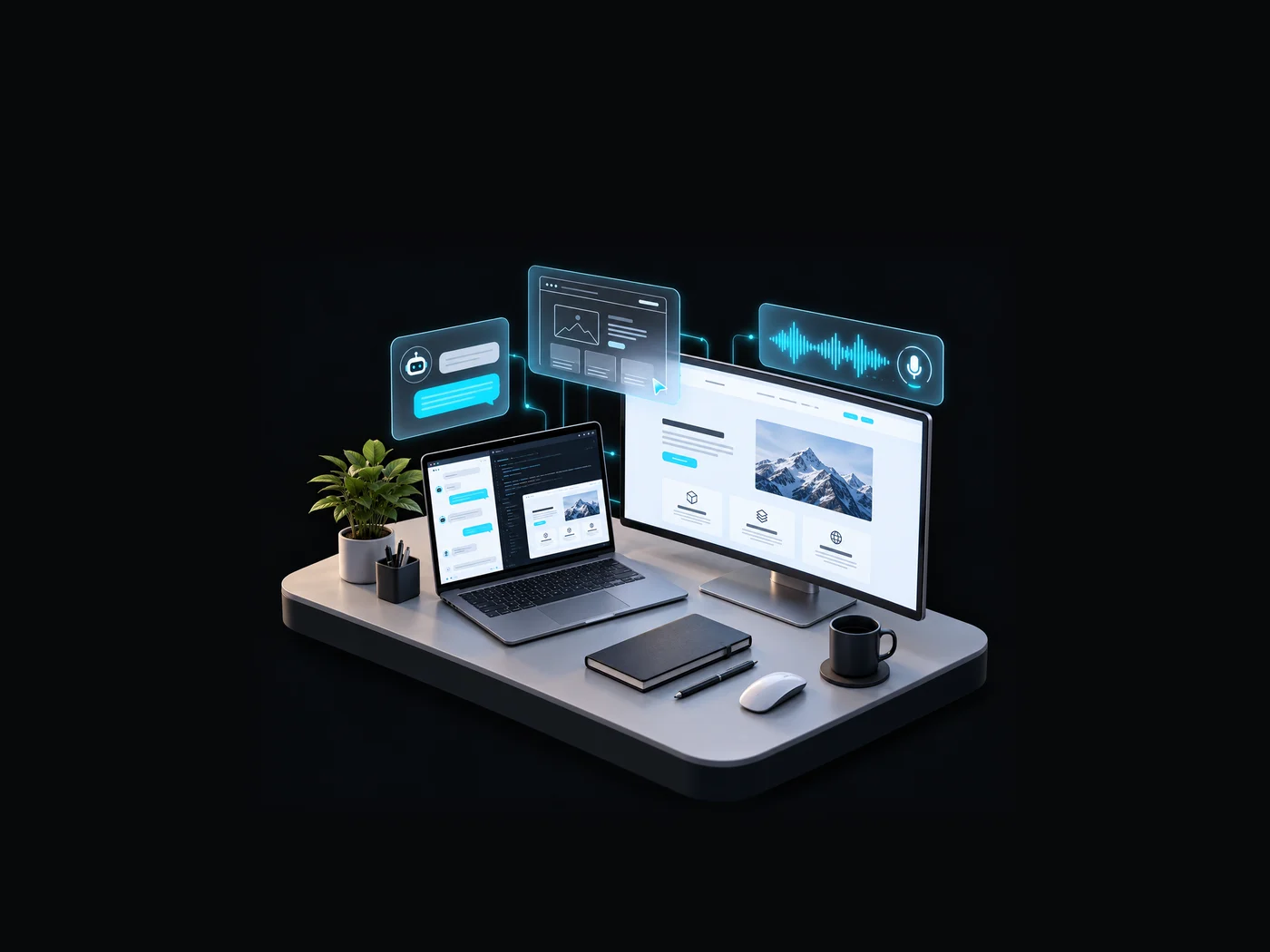
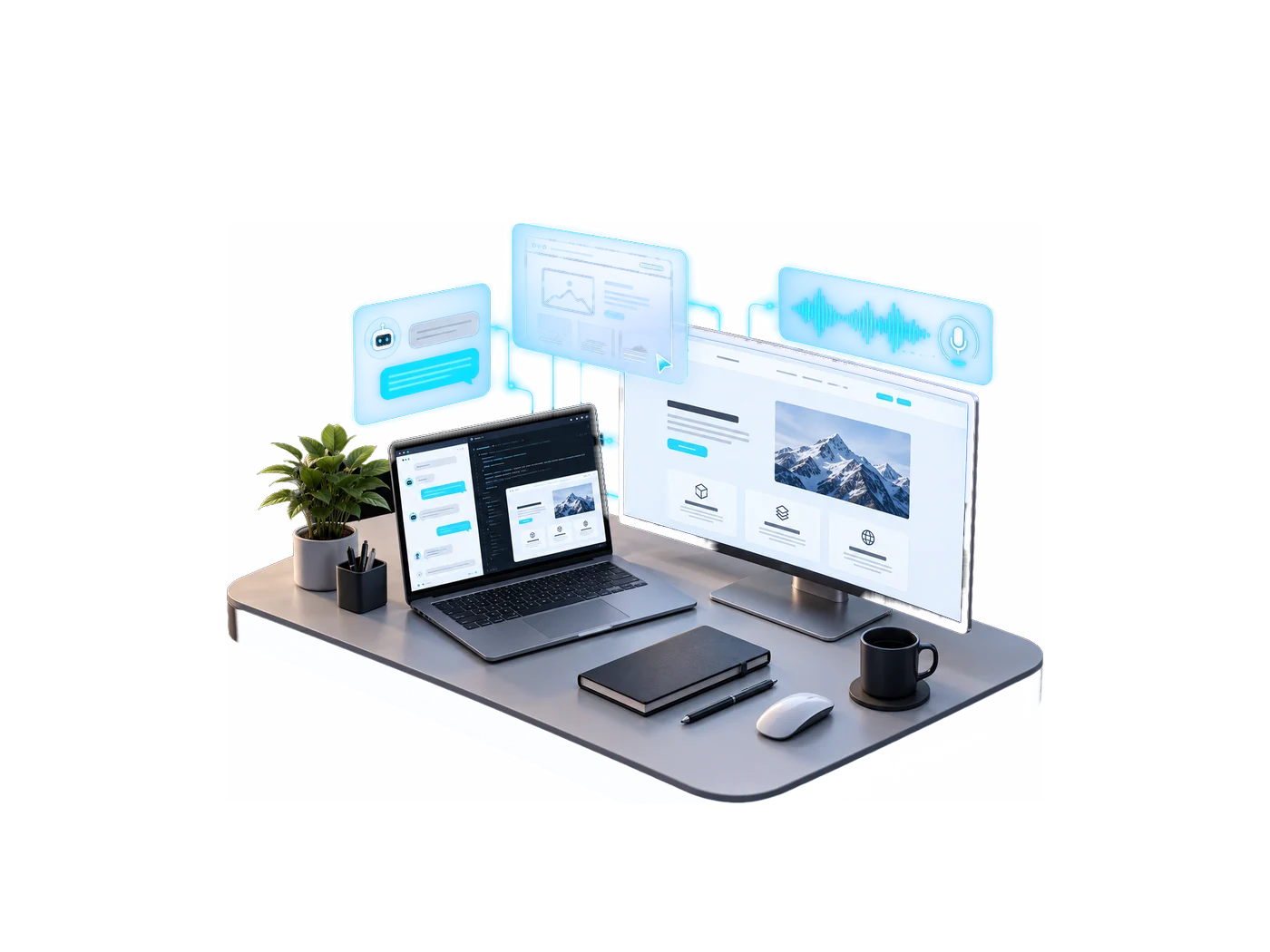
Describe your business in a chat and watch it get built, with the landing page, chatbot, voice agent and dashboard appearing live in the panel beside you.
- Client
- Minutrix
- Sector
- AI Products
- Focus
- Built by chatting
- Discipline
- AI · Product · Full-stack
Overview
The challenge
Getting a small business online with a site, a chatbot and a voice agent usually means setup wizards, several tools and a lot of configuration before anything is live.
Our approach
A split screen: an AI agent on the left, a live canvas on the right. The agent learns about the business in conversation, then writes the landing page, sets up a chatbot and a voice agent, and edits any of them on request, while an admin console tracks each company’s AI usage and keeps it within its credit limits.
Scope
What the build covers, area by area.
- Studio agent
- Builds by conversation, with no setup wizard
- Live canvas for landing page, chatbot, voice agent and dashboard
- Edits anything on request
- Landing pages
- AI-written copy for every section
- Templates, accent colours and heading fonts to choose from
- Click any text to edit it in place
- Voice
- Conversational voice agents, callable from the browser
- Call transcripts saved automatically
- Admin console
- Every company with its users, channels, leads and conversations
- AI usage per company
- Admin roles with different levels of access
- Credits
- Separate credits for AI text and AI voice
- Defaults for everyone, with overrides per company
- Usage stops at the limit, with no surprise bills
- Platform
- Sign in with Google or Microsoft
- Each company’s data kept separate
- Everything builds in the browser
Capabilities
What it does
6 capabilities, working from the same data.
One chat replaces the setup wizard: the agent collects the business in conversation and builds from it, with the result rendering live beside the thread.
Full AI-written copy and imagery across every section, editable by asking, by inline text edit, or by swapping template, accent and font.
A chatbot set up from purpose and audience, customer-facing or internal, testable immediately in the panel.
A conversational voice agent with an auto-selected voice, callable from the browser, with transcripts saved back.
Every company, their users and channels, AI usage by feature, voice transcripts and contact requests, with search and filters.
Separate AI and AI Voice credit buckets with global defaults and per-company overrides, enforced before a call is made rather than after the bill.
Workflow
How the work moves through it
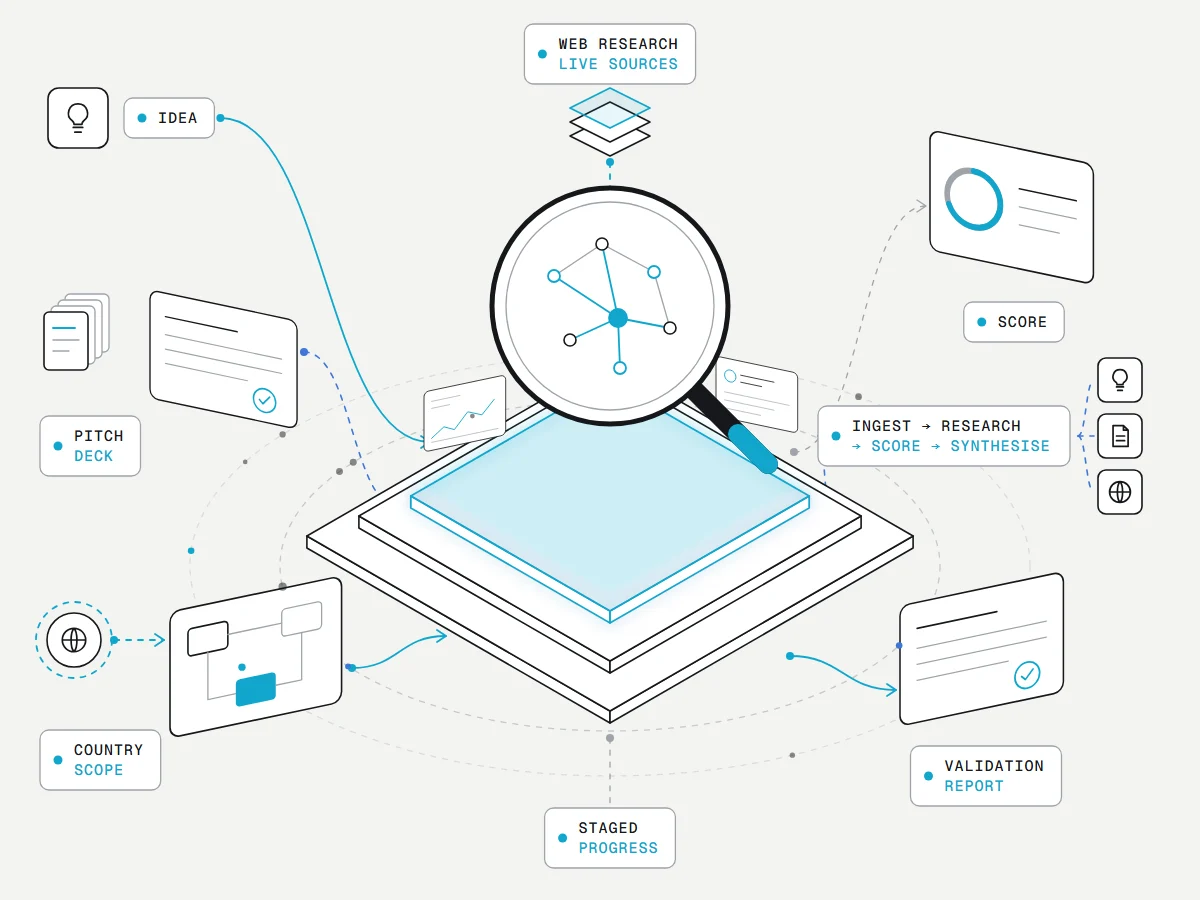
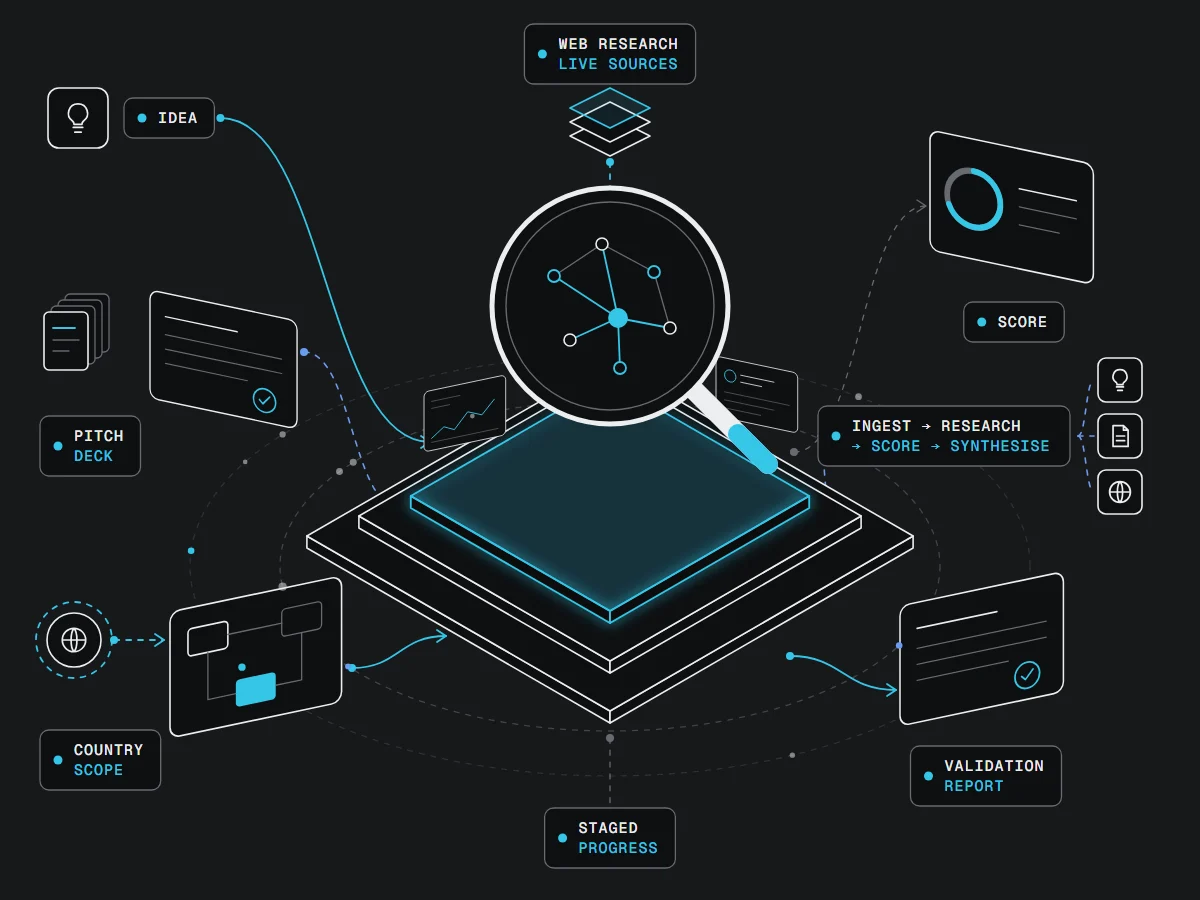
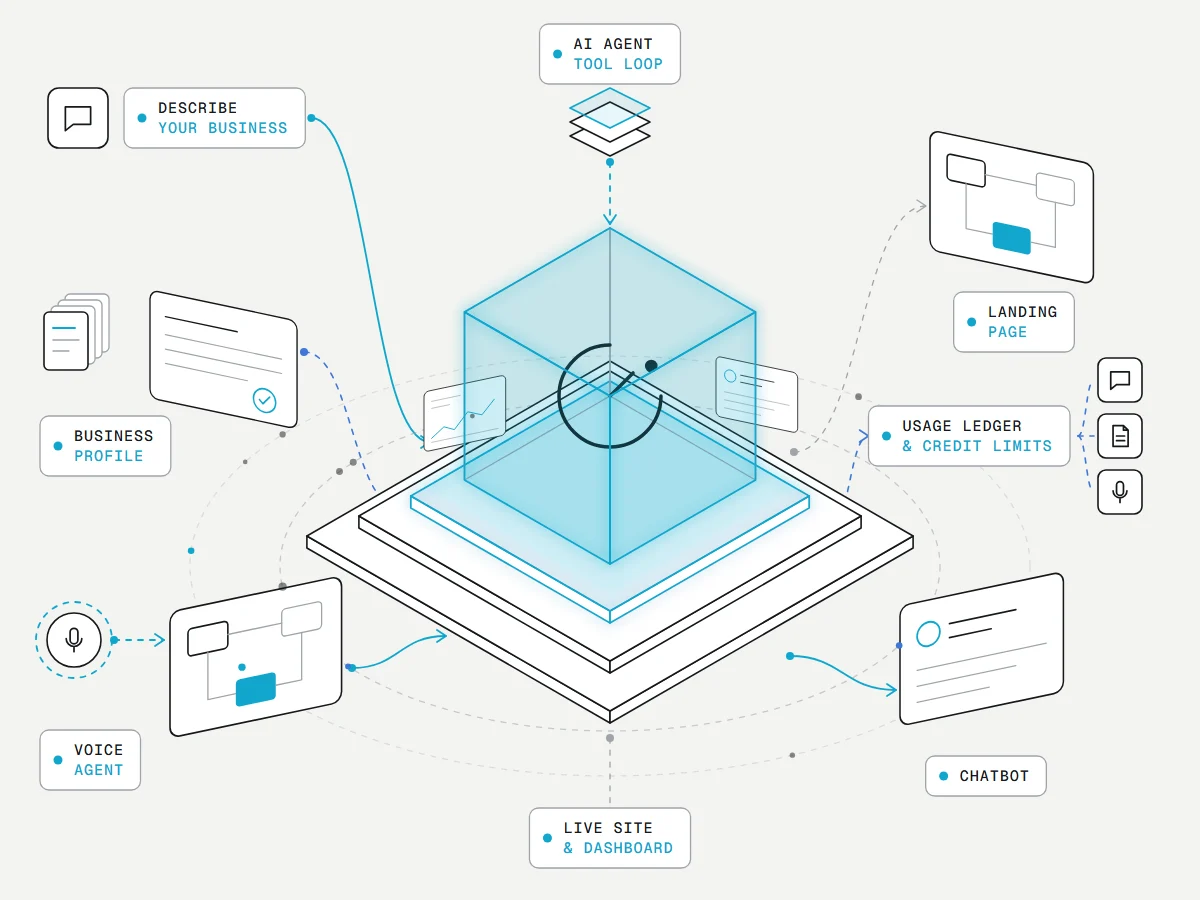
5 stages, start to finish, with 3 streams running alongside.
- Describe your business
- AI agent
- Business profile
- Landing + chatbot + voice
- Live site & dashboard
Runs alongside
- Usage tracking
- Credit limits
- Super-admin console
Interested in Minutrix Studio?
Let’s discuss how this can work for you.